

Branches and loops
A key feature of Workflows is their enablement of branching and looping logic, more simply and flexibly than graph-based approaches.
Loops in workflows
Section titled “Loops in workflows”To create a loop, we’ll take a LoopingWorkflow that randomly loops. It will have a single event that we’ll call LoopEvent (but it can have any arbitrary name).
from workflows.events import Event
class LoopEvent(Event):    num_loops: int
Now we’ll import random and modify our step_one function to randomly decide either to loop or to continue:
import randomfrom workflows import Workflow, stepfrom workflows.events import StartEvent, StopEvent
class LoopingWorkflow(Workflow):    @step    async def prepare_input(self, ev: StartEvent) -> LoopEvent:        num_loops = random.randint(0, 10)        return LoopEvent(num_loops=num_loops)
    @step    async def loop_step(self, ev: LoopEvent) -> LoopEvent | StopEvent:        if ev.num_loops <= 0:            return StopEvent(result="Done looping!")
        return LoopEvent(num_loops=ev.num_loops-1)
Let’s visualize this:
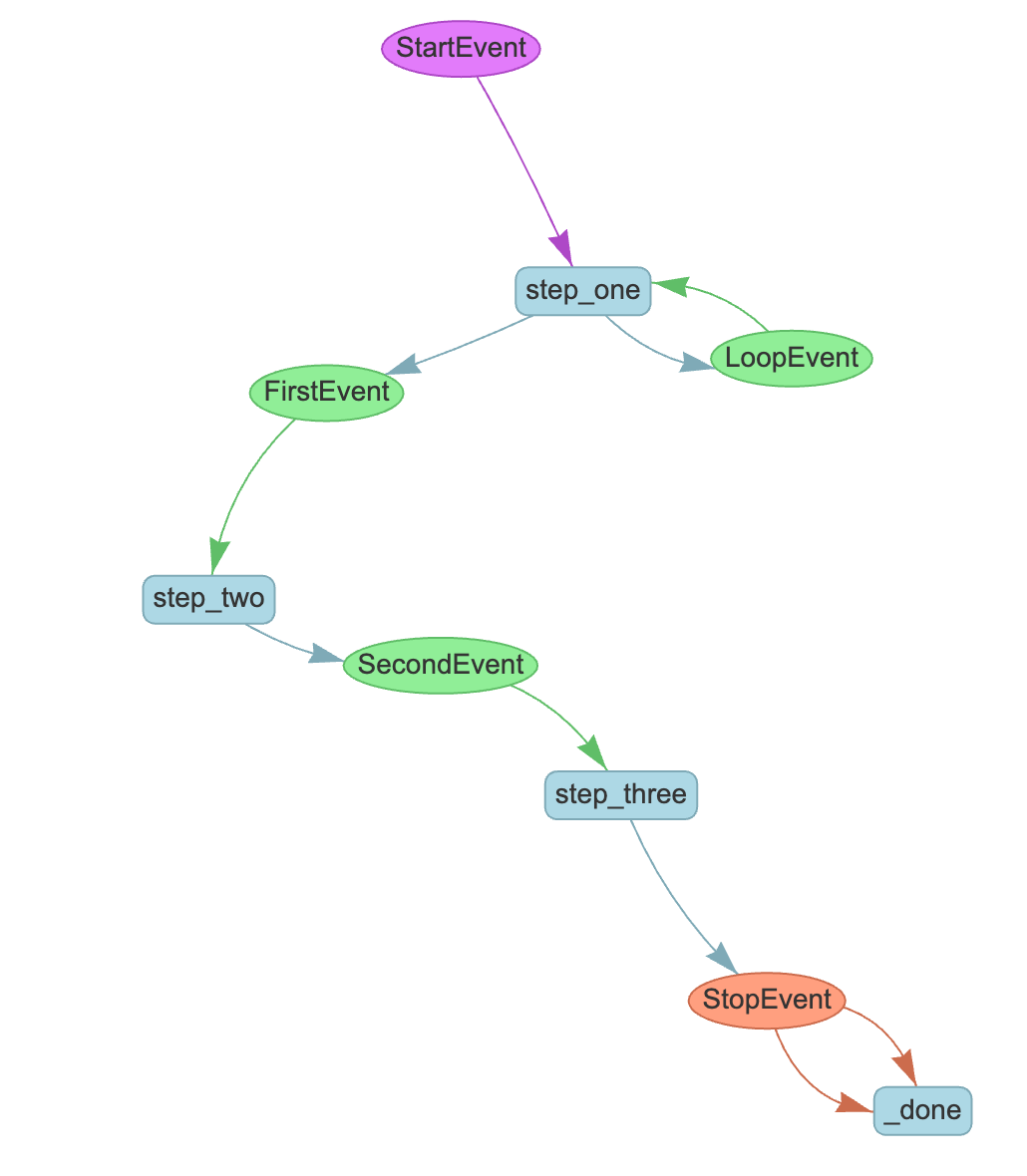
You can create a loop from any step to any other step by defining the appropriate event types and return types.
Branches in workflows
Section titled “Branches in workflows”Closely related to looping is branching. As you’ve already seen, you can conditionally return different events. Let’s see a workflow that branches into two different paths:
import randomfrom workflows import Workflow, stepfrom workflows.events import Event, StartEvent, StopEvent
class BranchA1Event(Event):    payload: str

class BranchA2Event(Event):    payload: str

class BranchB1Event(Event):    payload: str

class BranchB2Event(Event):    payload: str

class BranchWorkflow(Workflow):    @step    async def start(self, ev: StartEvent) -> BranchA1Event | BranchB1Event:        if random.randint(0, 1) == 0:            print("Go to branch A")            return BranchA1Event(payload="Branch A")        else:            print("Go to branch B")            return BranchB1Event(payload="Branch B")
    @step    async def step_a1(self, ev: BranchA1Event) -> BranchA2Event:        print(ev.payload)        return BranchA2Event(payload=ev.payload)
    @step    async def step_b1(self, ev: BranchB1Event) -> BranchB2Event:        print(ev.payload)        return BranchB2Event(payload=ev.payload)
    @step    async def step_a2(self, ev: BranchA2Event) -> StopEvent:        print(ev.payload)        return StopEvent(result="Branch A complete.")
    @step    async def step_b2(self, ev: BranchB2Event) -> StopEvent:        print(ev.payload)        return StopEvent(result="Branch B complete.")
Our imports are the same as before, but we’ve created 4 new event types. start randomly decides to take one branch or another, and then multiple steps in each branch complete the workflow. Let’s visualize this:

You can of course combine branches and loops in any order to fulfill the needs of your application. Later in this tutorial you’ll learn how to run multiple branches in parallel using send_event and synchronize them using collect_events.
Event subclass routing
Section titled “Event subclass routing”Event routing is exact by default. A step annotated with ParentEvent does not automatically receive ChildEvent, even if ChildEvent subclasses it. This keeps accidental broad matches from changing a workflow as the event model grows.
Opt in per step when a parent event really is the routing contract:
from workflows import Workflow, stepfrom workflows.events import Event, StartEvent, StopEvent

class ToolEvent(Event):    tool_name: str

class SearchEvent(ToolEvent):    query: str

class ToolWorkflow(Workflow):    @step    async def start(self, ev: StartEvent) -> SearchEvent:        return SearchEvent(tool_name="search", query=ev.query)
    @step(accept_event_subclasses=True)    async def handle_tool(self, ev: ToolEvent) -> StopEvent:        return StopEvent(result=ev.tool_name)
Use this sparingly. In most workflows, concrete event types make the branch structure clearer and give better validation errors.